
Upgrade Your Communication
Custom Plans, Top Features, Crystal-Clear Calls.

Our Plans & Pricing
Our hosted PBX is packed with features, delivering comprehensive solutions tailored to your business’s size and needs. Enjoy crystal-clear call quality alongside our bundle packages, expertly designed to meet your company’s unique requirements for optimal performance and efficiency.
Rocket
Starter package for small business
- Auto Attendants
- Mobile App / Web App
- Voicemail to Email
Starship
Medium package for mid-sized businesses
- Text Messaging
- Call Records
- Basic Conference
Satellite
Gold package for big/large enterprises
- Advanced Support
- Advanced Video Conference
- Teams Calling & Messaging
Mobile and Desktop APPs
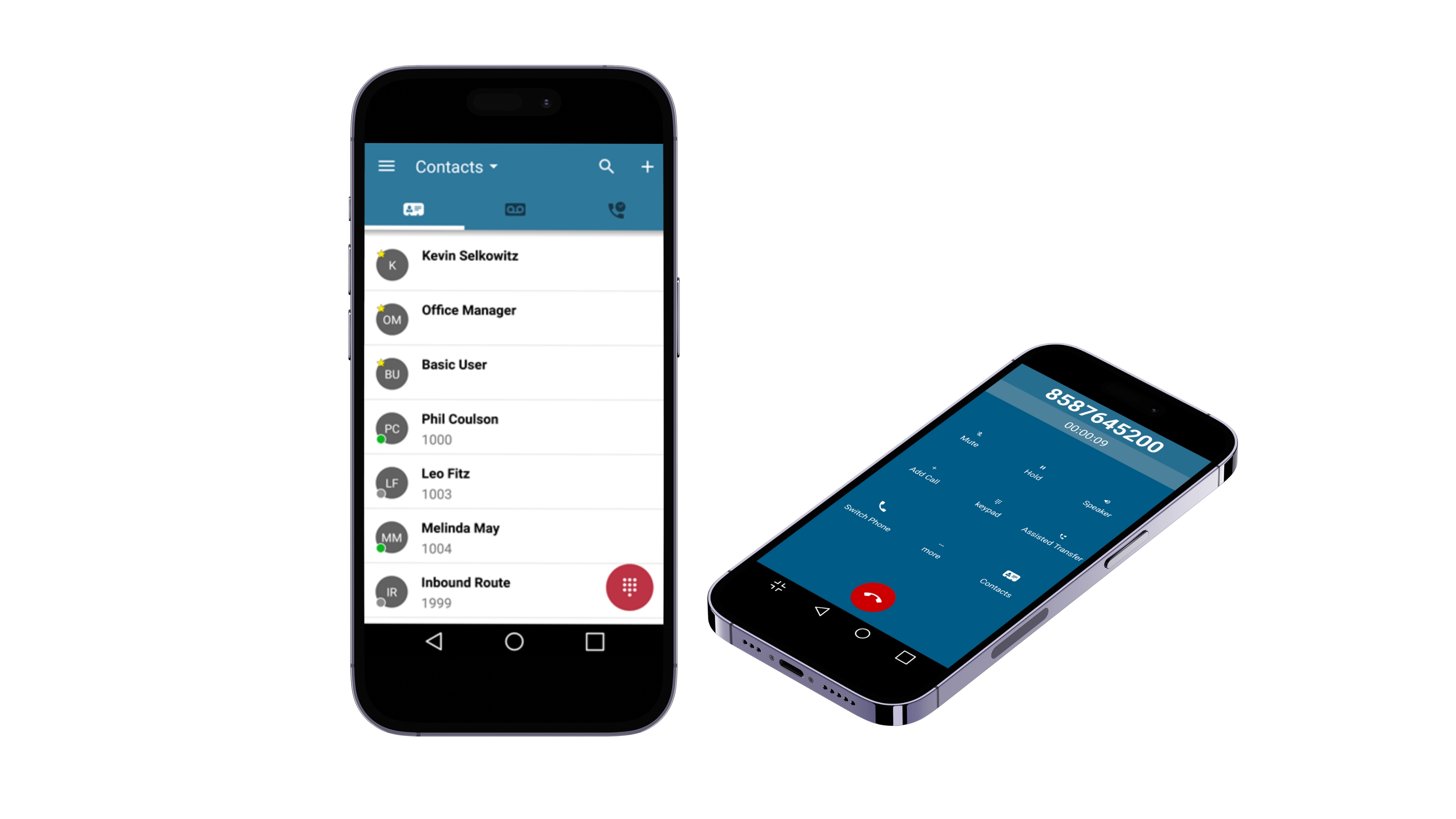
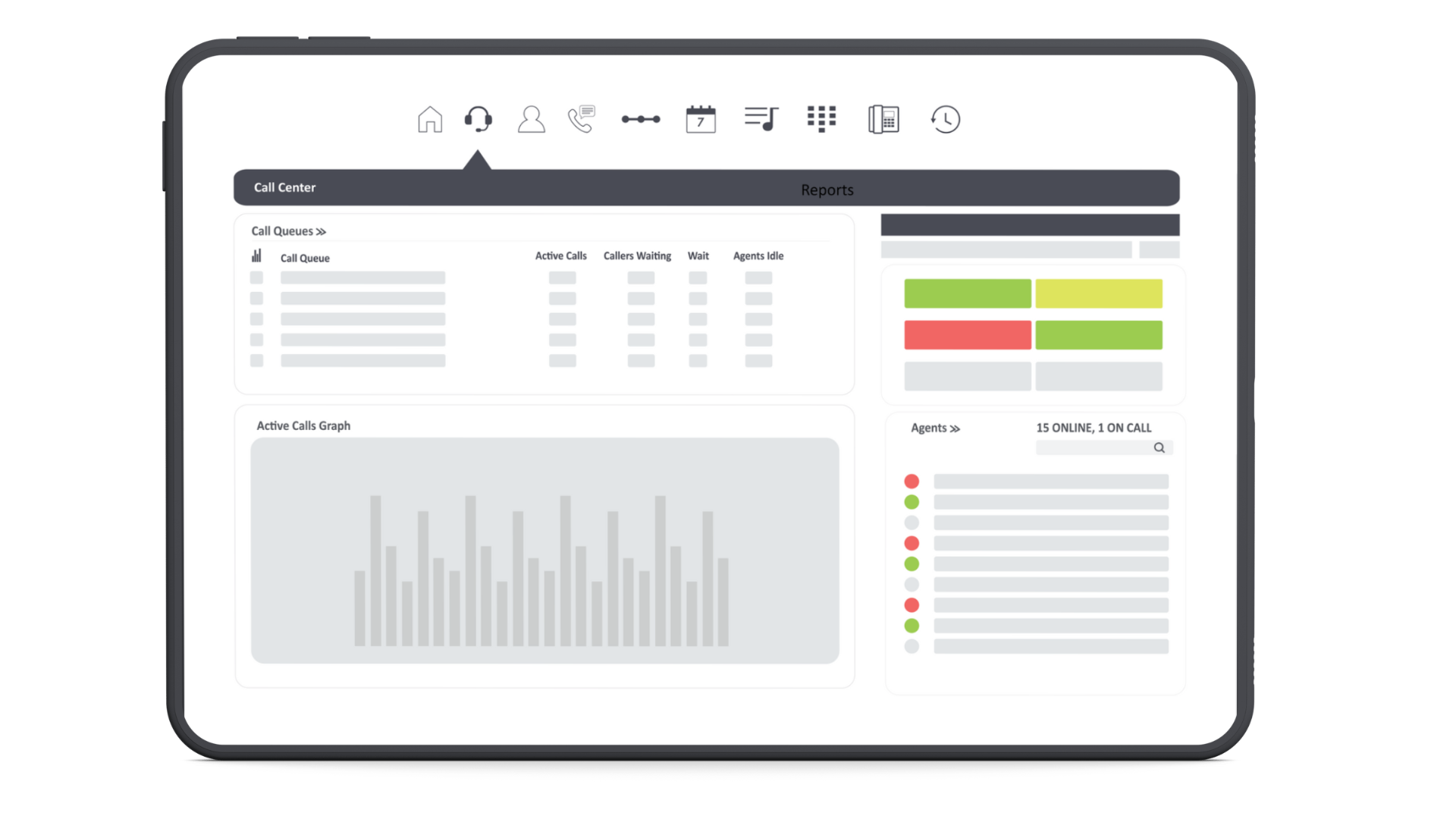
Break free from the confines of your desk. Our unified communication platform empowers you to take calls anywhere, anytime. Seamlessly switch between your mobile and desktop apps without dropping a beat. Experience call quality that’s so crystal clear, you’ll think you’re in the same room. Stay connected, be productive, and own every conversation.

INTEGRATIONS YOU LOVE
Optimize your daily operations with our hosted PBX system’s seamless integrations and crystal-clear call quality. Effortlessly connect with CRM software for enhanced customer interactions, integrate with email clients for streamlined communication tracking, and collaborate in real-time with popular messaging apps and project management tools. Gain valuable insights into call metrics using business analytics integrations, empowering data-driven decisions. Our hosted PBX system adapts to your unique workflow, fostering a more efficient and productive work environment.




Our Clients
















Ready to get started?
Book your demo or request quote today.
Managed service provider
Partner with the best
IT Team
Testimonials
What our clients are saying
General FAQs
It’s a cloud-based phone system that enables a business to access advanced calling features without the need for on-site hardware.
Caller ID, or Caller Name Display (CNAM), is a service that displays the phone number of the incoming caller on your screen. It’s a common feature on both landline and mobile phones, providing a layer of convenience and security.
How Does Caller ID Work?
Transmission: When someone calls you, their phone number is transmitted along with the call signal.
Database Lookup: Your phone’s network checks a database to see if there’s a registered name associated with that number.
Display: If a name is found, it’s displayed on your screen along with the number. If no name is found, only the number is shown.
Types of Caller ID
Basic Caller ID: Displays the caller’s phone number.
Name-Based Caller ID: Displays both the phone number and the associated name, if available.
Enhanced Caller ID: Offers additional features like call blocking, call forwarding, and caller ID history.
There are a few things you can do to improve call quality, such as checking your internet connection, restarting your VoIP device, or contacting your VoIP provider for assistance.
Yes, you can usually keep your existing phone number when you switch to VoIP. This is known as “porting” your number.
VoIP can be a game-changer for your business. It slashes costs compared to traditional phone lines, especially for long distance calls. Plus, your employees can ditch the desk phone and work from anywhere with an internet connection, keeping them reachable and productive. As your business grows, easily add new lines without hassle. Plus, VoIP systems are packed with features like voicemail to email, video conferencing, and call forwarding, streamlining communication and boosting your team’s efficiency.
Best Phone System
“To the Upscale VoIP team, Thanks for the outstanding VoIP solution! Your call quality, reliability, and advanced features exceeded our expectations. Highly recommend to any business in need of top-notch communication. Thanks again!”